2025-03-27 04:32:11
12k
830
ACE Pro High Efficiency Back Pulley

@MightyMaker_5744518
Donate
Message
Follow
Recommended printing method
Add
ACE Pro High Efficiency Back Pulley
Kobra S1
Kobra 3
、
Kobra 2
、
Kobra 4
、
Kobra X
、
Kobra 3 V2
、
Kobra 3 Max
、
Kobra 2 Max
、
Kobra 2 Pro
、
Kobra 2 Neo
、
Kobra 2 Plus
/ Plates:1
/ 1h22m
294
Share


Description
*Please follow @bedriddendesign on Instagram!*
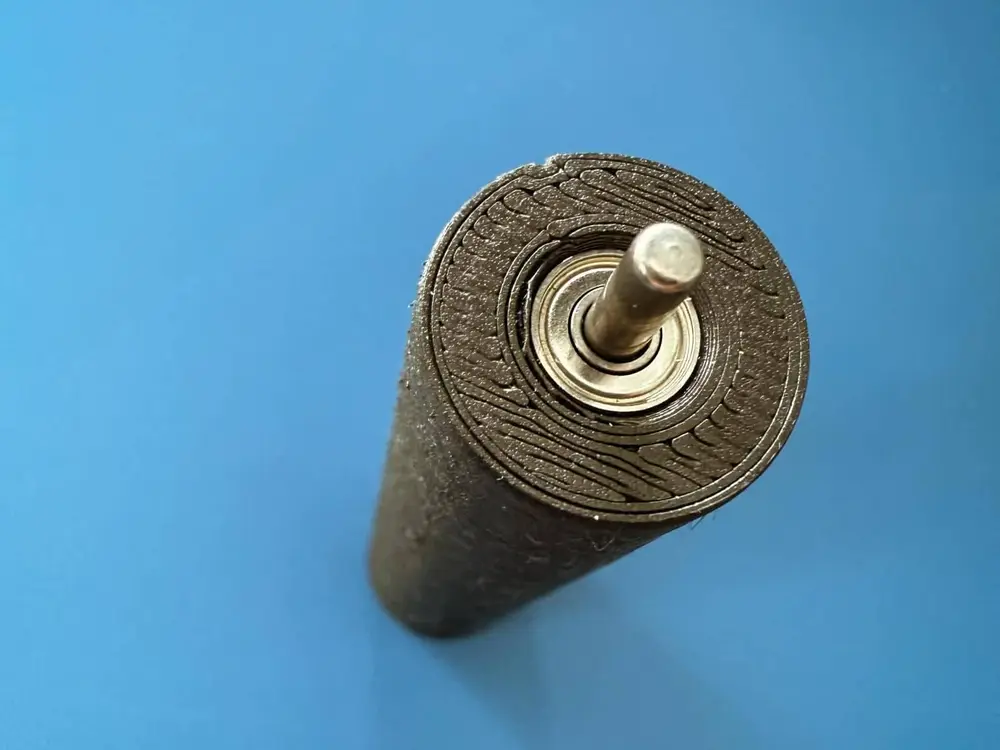
This ACE Pro High Efficiency Back Pulley was designed to make the spool motion smoother and lower the amount of force that the ACE Pro motor feels.
This can potentially decrease both false tangle/false clog issues as well as false retraction issues.
Here's how to install:
- Remove the original pulley from the back of the ACE Pro. There are 4 of these, one for each spool.

- Pull the rod out of the original spool. You will use this later.
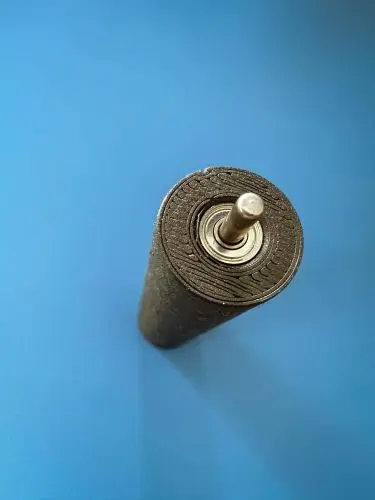
- Using your hands, push the bearings into each end of the new spool and insert the rod through both bearing holes.
- Here are the bearings I used: https://www.amazon.com/dp/B07FVYPMPX?ref=ppx_yo2ov_dt_b_fed_asin_title
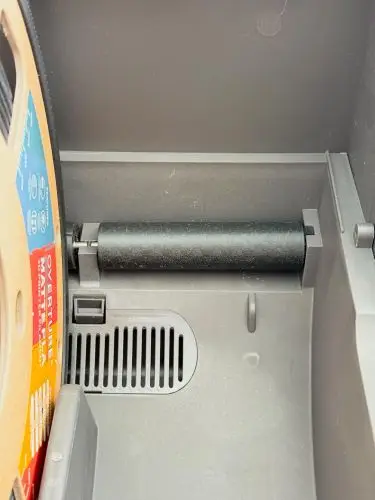
- Install into the back pulley slot.
IMPORTANT NOTES:
- The bearings should not be difficult to push into the holes. If you're struggling to install the bearings, your print may have been bad.
- The pulley should spin freely. If your print is somewhat wonky, the pulley could end up binding in spots.
- Make sure you dry your filament to give yourself the best shot at a good pulley.
- Use the print profile that I provided. That has not failed me.
- Your first layer is very important. Use a good build plate.
- If you have to, deburr the entrance of where the pulley goes into.
Tags
License