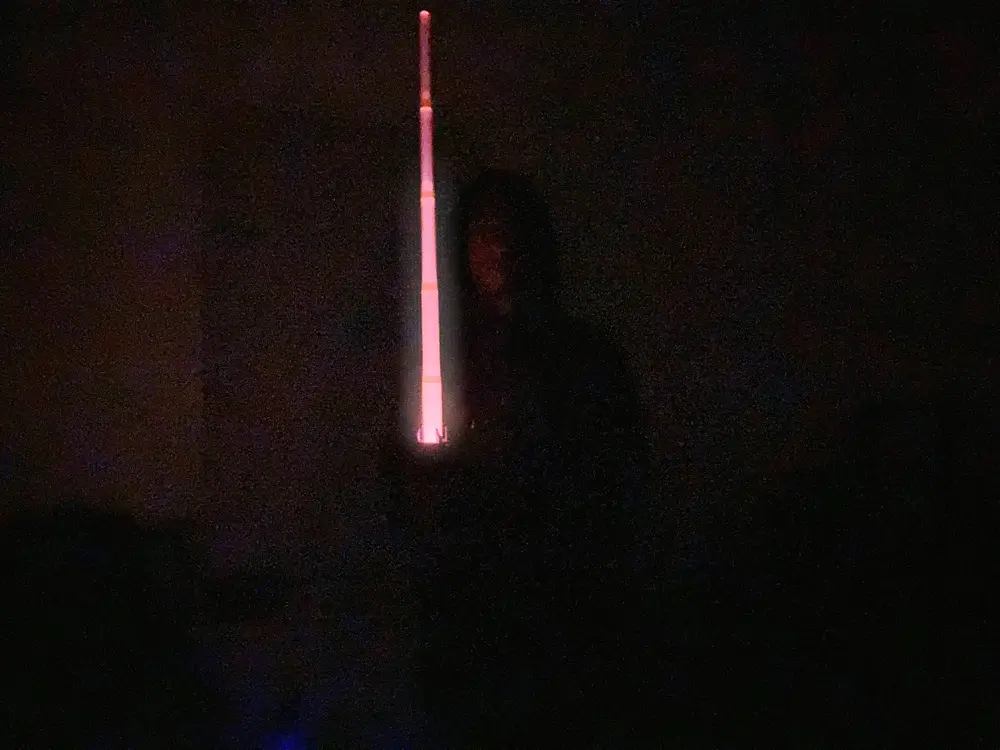
Rieve's Lightsaber (Compatible with the Anycubic Creative Kit)


RIEVE!!!!
This is Makeronline's first alternate lightsaber model for Anycubic's Lightsaber Kit. It works essential the same, with all original models with the exceptions of the blade and slightly edited Battery model. The blade is the exact same as the original by Meshhh3D, with the battery (specifically Battery-R is tweaked so the the button and charging port appear at the side of the hilt instead of the bottom.)
Who IS Rieve?

Rieve is a Force sensitive Dark Side user who takes the persona of a Sith Lord in the Arena of Vespaara. She first debuted in Star Wars Hunters, a game released June 2024 available for IOS, Android, and Nintendo Switch. Rieve is described as being quick-witted, sarcastic, and fierce in addition possessing a somewhat cocky personality. She is a skilled warrior, longtime champion of the Arena, and despite being a loner, understands the value of teamwork and won't let her team down.
Rieve's Lightsaber
The origins of Rieve's lightsaber are unknown, but rumors swirl in the Arena about where it could have come from. The rumors never make it above a whisper because Rieve deadliness with a lightsaber are all too well known.
Lightsaber General Notes
As previously stated, this set is compatible with Anycubic's Lightsaber Creative Kit. The creative Kit pieces of themselves function the exact same as Meshhh3D's version, but the button and charging plug are placed differently.
Assembly
- Put together Battery-L and Battery-R how you would normally: 84a41ac62ce847acb95af84e5a8da366.mp4 MAKE SURE THE BUTTON GOES OUT OF THE BOTTOM!
- Next, you screw the completed Battery into Hilt 2. Sand the screw as needed.
- Put the Button inside of the insert in Hilt-2 where the charging port is supposed to go. Make sure it stays there.
- Place the charging port into the insert inside of Hilt-2. Glue it so that it stays. Make sure the button and charging port are aligned with the holes!
- Screw Hilt-1 into Hilt-2. Sand the screw as needed.
- Print the Middle either with the supplied 3MF or with a -0.1 horizontal expansion value. Than sure the Hilt into the Middle. Sand the screw as needed.
- Print the Handle either with the supplied 3MF or with a +0.1 HE value. Slide the Handle onto the Middle. It will be tight; but it won't be loose once it's on.
- Print the Emitter with the Middle's 3MF or with a -0.1 HE value. Screw the Middle into the Emitter. Sand the screw as needed.
- Print the blades and Emitter Insert.
- Turn the Lightsaber upside down and screw open the bottom.
- Slide the blade pieces inside, from smallest to largest.
- Upright the saber; then pull the largest blade piece upward as far as it can go.
- You've assembled Rieve's lightsaber!
Here is an assembly video if you need it: Lightsaber Assembly
You are prohibited from sharing, sub-licensing, selling, renting, hosting, transferring, or distributing the digital file or 3D printed versions of this object, as well as any other derivative work in either digital or physical form (including remixes).You are not allowed to use the objects in any manner that involves charging money or collecting fees without permission.